Doing microscopic surgery on my old MacBook display cable
A few months ago, my MacBook Pro 15" from 2017 started showing some strange lights at the bottom of the screen, which initially left me very puzzled. Despite the laptop being so old, I kind of had an emotional attachment to it. It was my first MacBook, I paid a bit over 2k for it with hard-saved money, and it was one of the most expensive things I had ever bought back then.
After researching the issue for a while, I found out about the "Stage Light" effect, an issue affecting MacBooks after some years. It's basically a malfunction of the display cable: after years of being bent every time you open and close the lid, it starts to fail.
Apple conveniently put the cable in a place where it's basically impossible to repair without replacing the entire display, which on a 10-year-old laptop made no economic sense.
Luckily, I was very bored and had a lot of time (this was before starting my new job, ahah, what a treat it was), so I decided to try to repair it myself, and oh boy, what a challenge it was! They say 7% of men think they can beat a bear in a fight. My confidence in doing such an advanced repair was similarly delusional.
The repair involved cutting the damaged display cable, buying a replacement one and basically soldering it in place of the old one. Failing would basically mean a completely wasted computer.
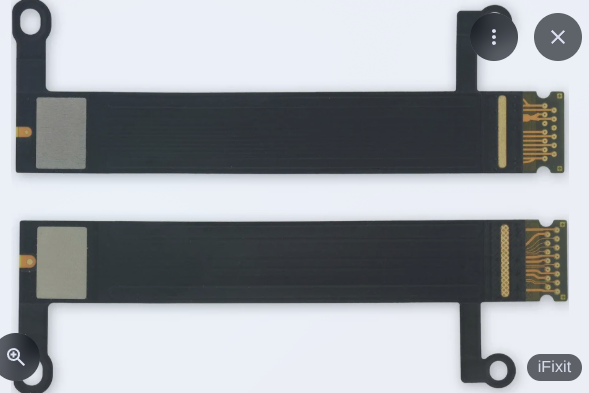
Note that the cable in question is only 1 cm wide, and on it there are 10 pins to solder, each one much smaller than a millimeter!
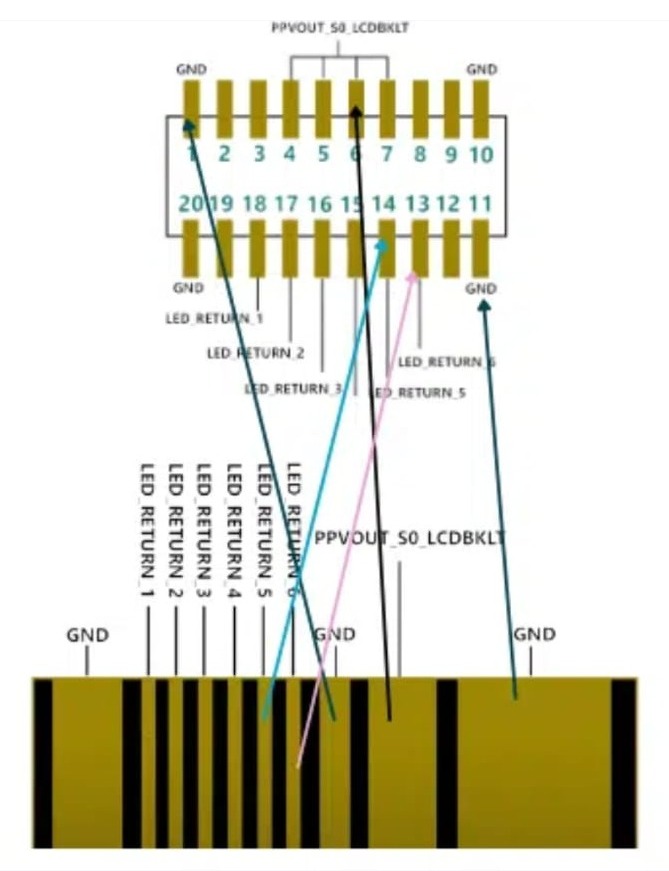
For this, I recruited a good buddy of mine who has always been my teacher for soldering jobs. However, it was way too small even for his eyes and expert hands.
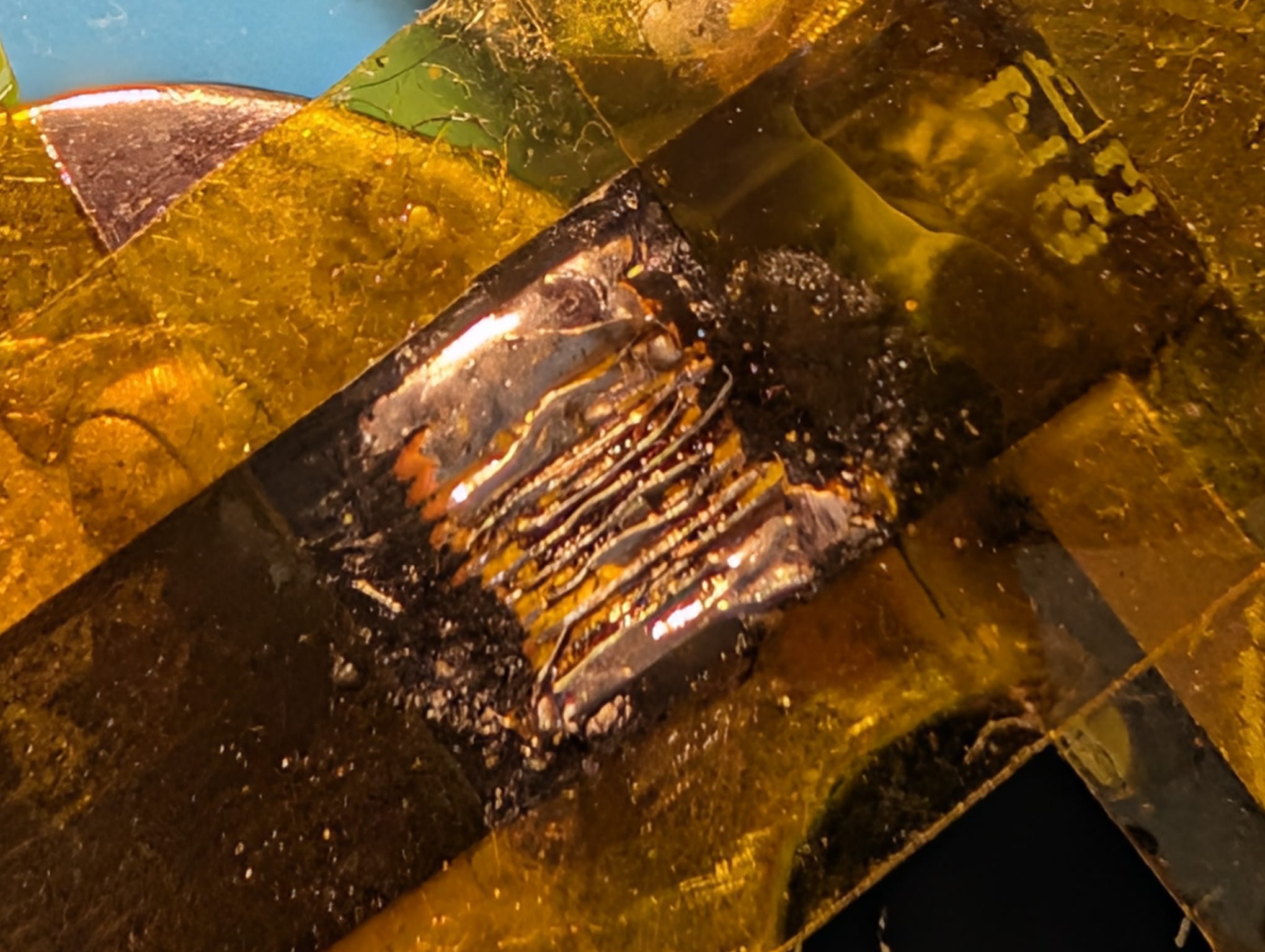
Every time we soldered one strip, we messed up the ones next to it. We used the Pixel's macro camera in order to see, since with bare eyes it was impossible without going cross-eyed. After painful hours, my buddy managed to get a clean result.
And voilà, the computer was working again!
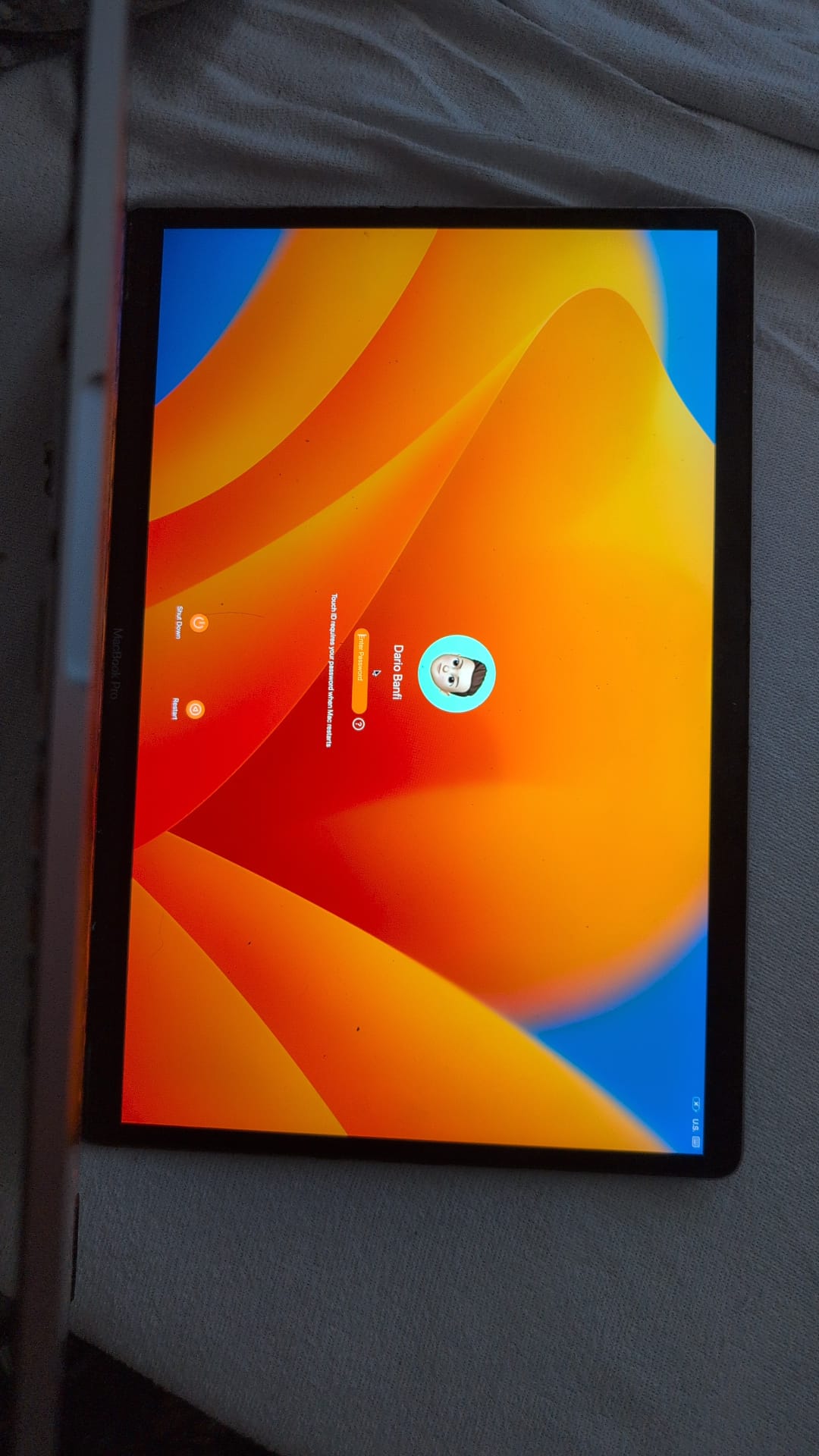
The only sad thing is that macOS doesn't support Intel Macs anymore... but the laptop hardware is still great, so I guess I'll slap Arch on it and call it a success.
I likely never will use this laptop again, but it is nice to be able to decide personally on this versus it being forced on me by planned obsolescence, be it on the hardware or software side.
Huge credits to Raphael for the help, and for the steady hands that made this repair possible!